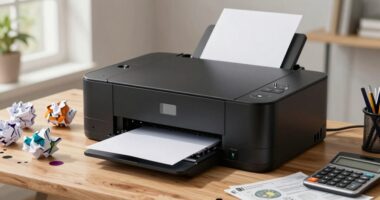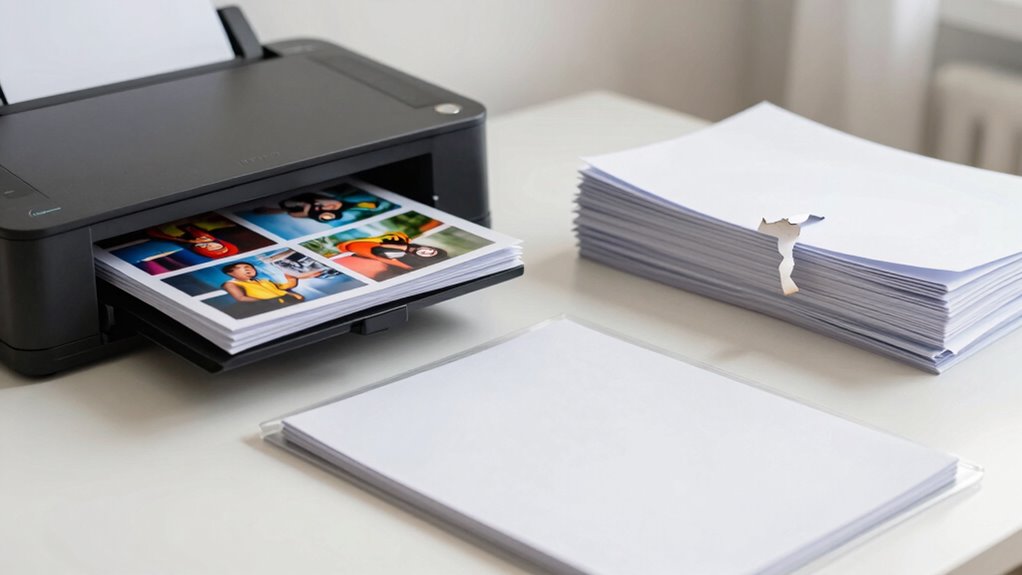

You should scan documents like financial records, medical files, and tax returns to create digital backups and free up space. Shred outdated bills, junk mail, and expired warranties to protect your information and stay organized. Keep original copies of important items such as birth certificates, property deeds, and signed legal documents in a safe, accessible location. Knowing what to scan, shred, or keep can streamline your system—keep exploring to master this process effectively.

Get home office essentials delivered free with Prime
- Fast, free delivery on millions of items
- Prime Video, Amazon Music and more included
- Member-only deals all year
Key Takeaways
- Scan financial, medical, legal, and tax documents for digital backup and easy access; shred originals after scanning.
- Keep original legal, signed contracts, and vital documents in a secure, accessible location.
- Shred outdated bills, junk mail, and expired warranties to reduce clutter and prevent identity theft.
- Retain important originals like birth certificates or property deeds in fireproof safes or filing cabinets.
- Regularly review and organize documents to decide what to scan, shred, or keep in original form.
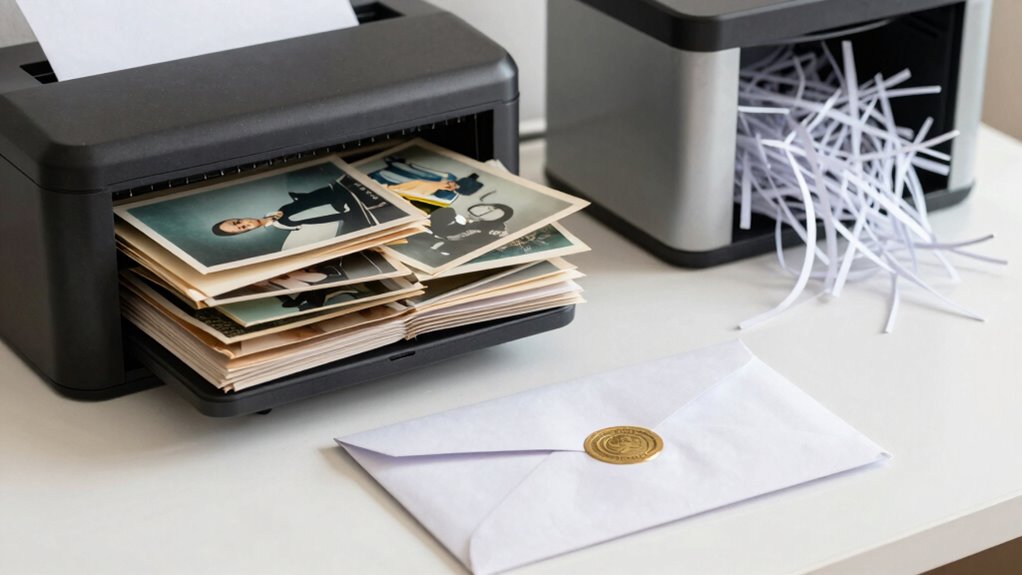
Deciding what documents to scan, shred, or keep in their original form can streamline your organization and protect sensitive information. When it comes to digital storage and paper organization, making these choices carefully is crucial. You want to reduce clutter, prevent identity theft, and guarantee easy access to important documents. Start by evaluating the importance and relevance of each item. Financial records, medical documents, legal papers, and tax returns are prime candidates for digital storage, as they’re often needed quickly and should be preserved securely. Scanning these documents creates a digital backup, freeing up physical space while maintaining easy access. Plus, digital storage allows you to organize files into folders and categories, making retrieval more efficient than digging through piles of paper.
Prioritize important documents like financial, medical, and legal papers for digital storage and easy access.
For documents that contain sensitive information, like bank statements or social security documents, scanning and then shredding the original paper can markedly enhance your paper organization and security. Once digitized, you can securely delete or shred the physical copies, knowing you still have access if needed. However, keep in mind that some documents, such as original legal papers, signed contracts, or items of sentimental value, should remain in their original form. These are best stored safely in a fireproof box or filing cabinet to preserve their authenticity and value. Implementing secure document disposal practices ensures your sensitive information remains protected over time.
Shredding becomes an important step when you’re dealing with outdated, duplicated, or unnecessary papers. Old bills, expired warranties, or junk mail should be shredded to prevent identity theft and reduce clutter. If you’re uncertain about whether to keep a document, consider whether it has ongoing relevance or legal importance. When you shred these unnecessary papers, you not only improve paper organization but also protect your personal information from falling into the wrong hands. Additionally, understanding the importance of secure document disposal can help you make informed decisions about shredding practices. Incorporating document management strategies can further enhance your ability to keep your files organized and secure. Regularly reviewing your documents ensures your storage system remains effective and up-to-date, preventing accumulation of unnecessary items.
Balancing digital storage and paper organization requires a strategic approach. Keep essential originals, such as birth certificates or property deeds, in a safe, accessible location. Scan documents that you frequently need or that take up too much space, and then dispose of the paper copies responsibly. Establishing a consistent organization routine can help you stay on top of document maintenance and prevent clutter from building up over time. Regularly reviewing your files helps you stay organized, making sure your digital and physical records serve your needs without overwhelming your space. Ultimately, clear decision-making about what to scan, shred, or keep in original form leads to a more efficient, secure, and clutter-free environment.
As an affiliate, we earn on qualifying purchases.
Frequently Asked Questions
How Long Should I Keep Physical Documents Before Shredding?
You should keep physical documents for their recommended retention periods based on your organization’s policies and legal requirements. Typically, keep tax records for at least 3 to 7 years, and financial statements for 7 years. Regularly review your document organization and retention policies to determine when shredding is appropriate. Once the retention period expires, shred the documents to protect sensitive information and maintain clear, clutter-free storage.
What Digital Formats Are Best for Scanned Documents?
You should save your scanned documents in widely compatible digital file formats like PDF or JPEG. PDFs are ideal for preserving document layouts and can be password-protected, while JPEGs are suitable for images. Use a high scanning resolution, around 300 dpi, to guarantee clarity and readability. This way, your digital files stay accessible, clear, and easily shareable, making future retrieval smooth and efficient.
Are There Legal Requirements for Retaining Original Documents?
You need to retain original documents if laws specify their preservation for legal compliance or record retention. Statistically, 60% of audit failures stem from poor record retention practices. Check your local regulations, as some documents—like legal contracts or notarized papers—must be kept in original form for a specific period. Failing to do so could jeopardize legal standing, so always verify retention requirements to stay compliant.
Can I Delete Digital Copies After Scanning?
Yes, you can delete digital copies after scanning, but only if you have a reliable digital backup, like cloud storage, that guarantees the documents are safely stored and accessible. Make sure the scanned copies meet legal retention requirements before deleting the originals or digital files. Cloud storage offers a secure and easy way to keep your documents protected while freeing up space on your device.
How Do I Securely Store Physical and Digital Records?
You should store physical records in a secure, locked location like a safe or locked cabinet, and keep digital records in reputable cloud storage services. Use encryption techniques to protect sensitive information both during transfer and while stored. Regularly update your passwords, enable two-factor authentication, and back up data securely. This approach guarantees your records stay protected from unauthorized access, whether physical or digital.
As an affiliate, we earn on qualifying purchases.
Conclusion
By carefully choosing what to scan, shred, and keep in its original form, you’re gently tidying up your life’s paper trail. Think of scanning as capturing fleeting moments, shredding as letting go of the unnecessary, and keeping originals as preserving cherished memories. With this mindful approach, you create a smoother, more organized space that feels lighter and more in tune. Embrace these small shifts—they’ll quietly transform your everyday routine into a more streamlined and peaceful experience.
As an affiliate, we earn on qualifying purchases.
As an affiliate, we earn on qualifying purchases.
Evergreen bestsellers Picks
bestsellers
As an affiliate, we earn on qualifying purchases.