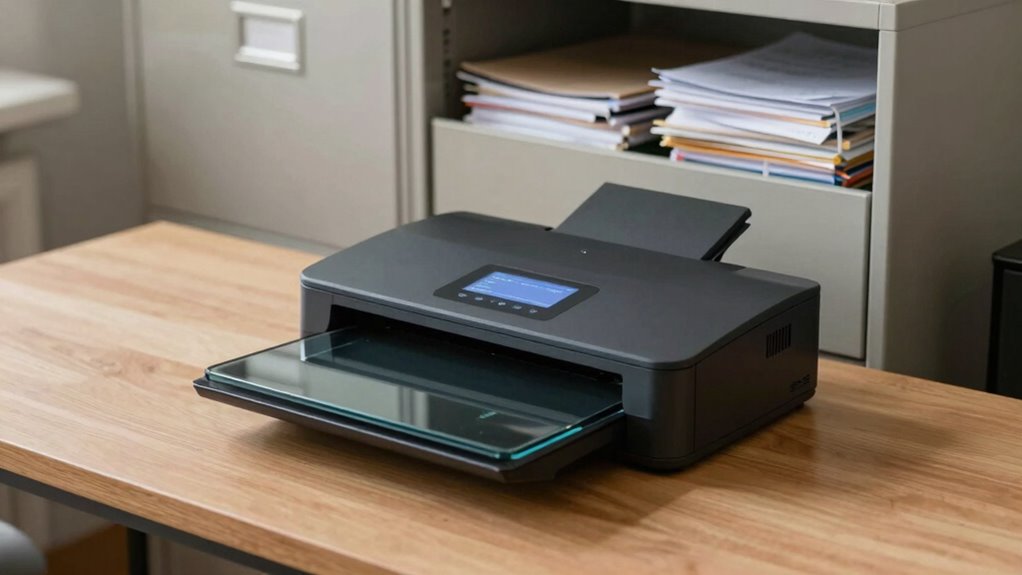

Your scanner now matters more than your filing cabinet because it streamlines document access, saves space, and boosts security. Instead of digging through stacks of paper, you can quickly scan, search, and organize files digitally. It reduces errors, protects important info from disasters, and makes sharing easy. Plus, it supports environmental goals by cutting down on paper waste. Keep exploring, and you’ll discover even more ways a scanner can transform your workflow.
Key Takeaways
- Scanners enable quick, searchable digital files, vastly improving retrieval speed over traditional filing cabinets.
- Digital scanning reduces physical storage needs and minimizes document loss or damage risks.
- They streamline workflows by allowing instant digital access, editing, and sharing of documents.
- Scanners enhance security through encryption, backups, and compliance with data protection standards.
- Embracing scanners promotes environmental sustainability by decreasing paper consumption and waste.

In today’s fast-paced world, relying on a physical filing cabinet just doesn’t cut it anymore. The traditional method of storing paper documents is slow, cumbersome, and prone to loss or damage. That’s where your scanner becomes your best ally. Instead of rummaging through stacks of papers, you can digitize everything and create a streamlined, efficient paperless workflow. Digital storage isn’t just about saving space; it’s about making your documents accessible at the click of a button. With a good scanner, you can transform mountains of paper into organized, searchable files that are easy to find and share. This shift to digital makes your workday smoother, saving you time and reducing frustration.
Switch to digital with a scanner for faster, organized, and accessible document management.
A scanner gives you the power to eliminate clutter and improve document management. Instead of physically filing away papers that may never be needed again, you can scan and store them digitally. This means you avoid the risk of misplacing important documents or dealing with the mess of paper clutter. Plus, digital storage solutions are more secure when you implement proper backup systems, protecting your data from fire, theft, or natural disasters. You can categorize files, add labels, and create folders that mirror your workflow, making retrieval instant. This level of organization is nearly impossible with traditional filing cabinets, especially as your document volume grows. Embracing digital organization helps you maintain control over your files and enhances your overall productivity. Additionally, adopting a digital system allows for easier compliance with data security standards and regulations.
Beyond mere storage, your scanner is essential for creating a seamless paperless workflow. You can scan invoices, receipts, contracts, and reports directly into your computer or cloud-based systems. This eliminates manual data entry, reduces errors, and accelerates processes. When documents are digitized, you can easily edit, annotate, or share them electronically, fostering collaboration and enhancing productivity. Instead of spending hours searching through physical files, you can locate any document in seconds with search functions in your digital storage system. This increased efficiency frees you up to focus on more important tasks, rather than managing paper. A reliable scanner also ensures the integrity and accuracy of your digital records, which is crucial for maintaining trust in your data management practices.
Additionally, adopting a digital approach to document management aligns with sustainable practices by reducing paper consumption and waste. In essence, your scanner replaces the aging filing cabinet with a modern, digital solution. It empowers you to store more, organize better, and access faster—all while supporting a sustainable, paperless workflow. As technology advances, having a reliable scanner becomes increasingly vital for maintaining an organized, efficient workspace. It’s no longer just about convenience; it’s about transforming your entire approach to document management for a smarter, more agile way of working.

Epson Workforce ES-50 Compact & Lightweight Mobile Document Scanner
- Portability: Lightweight, mobile document scanner
- Fast Scanning: Scans a page in 5.5 seconds
- Compatibility: Works with Windows and Mac
As an affiliate, we earn on qualifying purchases.
As an affiliate, we earn on qualifying purchases.
Frequently Asked Questions
How Secure Are Digital Documents Compared to Physical Files?
Digital documents can be very secure if you use proper measures like digital encryption and access controls. Unlike physical files, they’re less vulnerable to theft or damage, but you need to safeguard them with strong passwords and encryption protocols. You should also set strict access controls to limit who can view or modify your files. When managed correctly, digital security can surpass physical file safety, offering peace of mind and better protection.
Can Scanners Handle Large Volume Document Processing Efficiently?
You can absolutely handle large volume document processing efficiently with modern scanners. They’re designed for high-speed operation, ensuring your workflow stays smooth. With optical clarity and high image resolution, scanners produce sharp, legible copies even in bulk. This means you won’t have to worry about losing detail or quality. So, you can keep up with your workload without breaking a sweat, turning a mountain of paperwork into manageable digital files.
What Are the Best Scanner Features for Small Businesses?
You should look for scanners with high-speed scanning and automatic document feeders to boost efficiency. Features like digital storage options make it easy to save files directly to your device, while cloud integration allows seamless access and sharing of documents from anywhere. These features guarantee your small business stays organized, reduces paper clutter, and enhances productivity by making scanning and managing documents quick and effortless.
How Does Scanning Improve Collaboration Across Teams?
Scanning enhances collaboration by enabling you to share documents effortlessly, fostering cloud collaboration and real-time editing. You can access files instantly, comment on drafts, and make updates simultaneously, regardless of location. This streamlines workflows, reduces delays, and promotes teamwork. By digitizing documents, you guarantee everyone stays on the same page, collaborates seamlessly, and accomplishes tasks faster, transforming how your team communicates and works together.
What Are the Costs Involved in Transitioning to Digital Filing?
Switching to digital filing involves costs like purchasing scanners, digital storage solutions, and software. You’ll also spend on staff training and possibly upgrading your IT infrastructure. While these expenses might seem high upfront, they lead to paper reduction, saving money on paper, printing, and physical storage over time. Digital storage simplifies access and enhances security, making the initial investment worthwhile for long-term efficiency and environmental benefits.

ScanSnap iX2500 Wireless or USB High-Speed Document Scanner, Black
- Advanced touchscreen interface: Large touchscreen with customizable profiles
- High-speed double-sided scanning: 45 pages per minute, 100-sheet feeder
- Versatile connectivity options: Wi-Fi 6, USB-C, and cloud support
As an affiliate, we earn on qualifying purchases.
As an affiliate, we earn on qualifying purchases.
Conclusion
In today’s fast-paced world, relying on your scanner is more essential than ever. It keeps your documents accessible, organized, and secure, saving you from drowning in paper clutter. Think of your scanner as the backbone of your digital workflow—it’s the smart move in keeping everything under control. Don’t wait for a rainy day to realize its importance; embrace the digital age now and stay ahead of the curve before your paper trail becomes an anchor.
portable document scanner with Wi-Fi
As an affiliate, we earn on qualifying purchases.
As an affiliate, we earn on qualifying purchases.

Epson Perfection V19 II Flatbed Photo Scanner 4800 dpi Optical Resolution
- High-Resolution Scanning: 4800 dpi optical resolution
- Includes ScanSmart Software: Epson ScanSmart included
- One-Touch Operation: Easy-to-use scan buttons
As an affiliate, we earn on qualifying purchases.
As an affiliate, we earn on qualifying purchases.