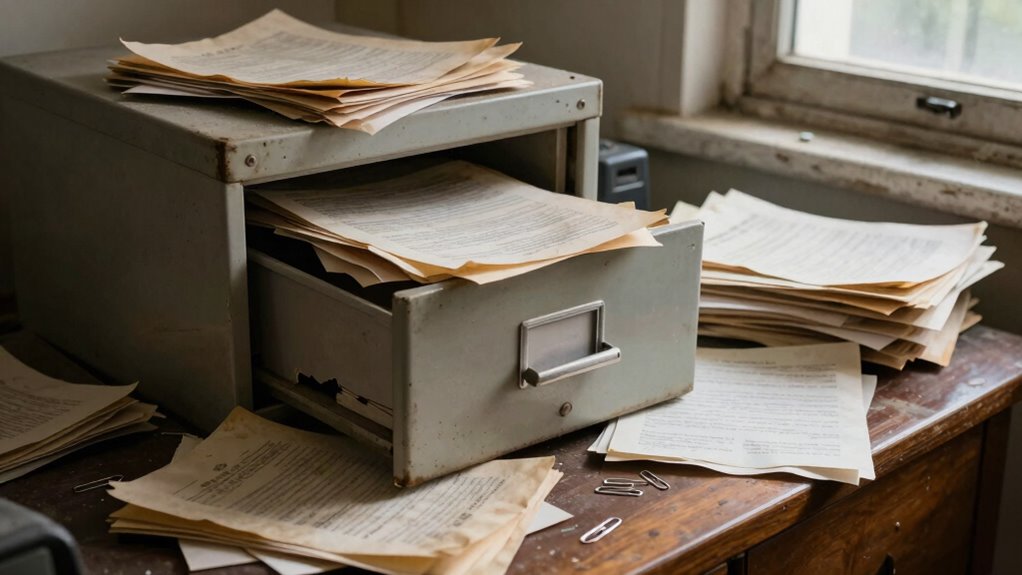
Relying solely on physical storage or unsecured digital files is a common mistake that causes estate documents to deteriorate or become lost over time. Poorly protected storage locations like attics or basements risk damage from water, pests, or deterioration. Without regular backups on secure, encrypted platforms, your estate files are vulnerable to theft, disasters, or obsolescence. To guard your important records, it’s essential to combine secure physical solutions with continuous digital backups—more tips await to help you safeguard your estate.
Key Takeaways
- Relying solely on physical storage without proper protection increases risk of damage, deterioration, or theft over time.
- Failing to create and regularly update digital backups leaves estate files vulnerable to disasters and data loss.
- Inadequate security measures expose sensitive estate information to cyber threats and unauthorized access.
- Using unsecured or poorly protected storage locations, like basements or unsecured cabinets, heightens physical security risks.
- Neglecting ongoing management and routine updates of storage security can lead to outdated or compromised estate records.
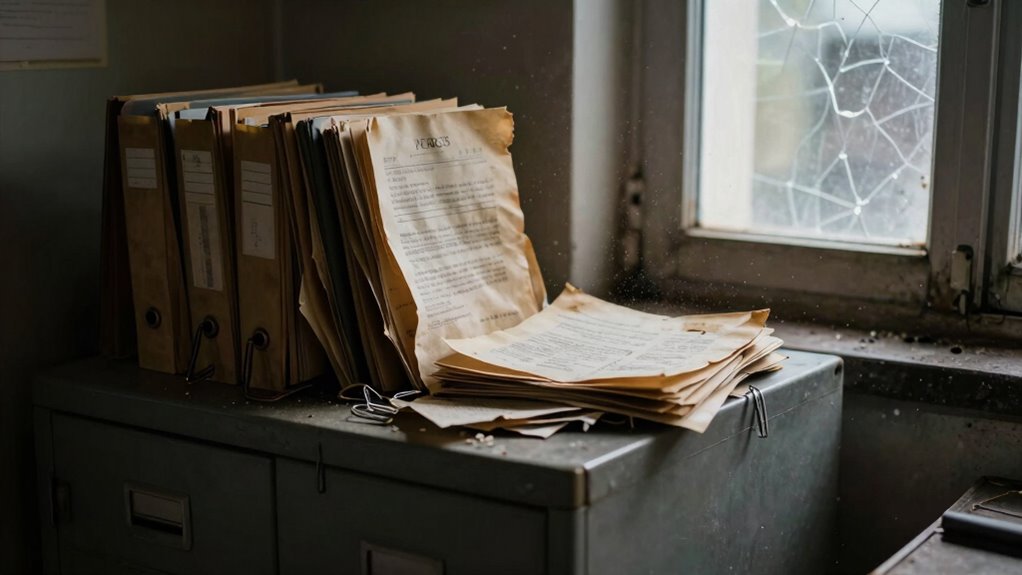
Many estate files are unintentionally destroyed due to a common document storage mistake—using improper or insecure methods to archive important papers. This mistake often involves relying solely on physical copies or poorly protected digital files, which are vulnerable to damage, loss, or theft over time. To prevent this, you need to understand the importance of digital backups and storage security. Digital backups serve as a safeguard against physical deterioration or disasters like fires, floods, or theft. They ensure that even if your original documents become inaccessible or damaged, copies remain safe and recoverable. However, simply creating digital copies isn’t enough; you must also prioritize storage security. This means choosing reputable, encrypted storage solutions that prevent unauthorized access and protect sensitive estate information from cyber threats.
Many people underestimate how quickly physical documents can deteriorate. Paper can become brittle, fade, or be damaged by water or pests. Storing these files in attics, basements, or unsecured filing cabinets increases the risk of damage. When estate files aren’t stored securely, you might not realize that damage has occurred until it’s too late. Digital backups, stored on encrypted cloud platforms or secure external drives, help you maintain multiple copies in different locations. This redundancy ensures you don’t lose everything if one backup is compromised or destroyed. The key is to establish a regular schedule for updating these backups so they reflect the most current estate information, avoiding outdated or incomplete records. Additionally, understanding how storage security impacts the integrity of your estate records can significantly reduce vulnerabilities over time. Implementing proper security measures further helps to safeguard sensitive information from evolving cyber threats.
Storage security isn’t just about choosing a good platform; it’s also about implementing strong access controls and encryption. You should restrict access to stored files to authorized individuals only, and use secure passwords or multi-factor authentication. Regularly updating security measures and monitoring access logs can further protect your estate files from unauthorized viewing or tampering. Additionally, consider physical security measures for any on-site storage, such as safes or locked cabinets, especially for original documents. Combining these physical and digital security strategies provides a thorough shield against potential threats over time.
In the end, the biggest mistake is thinking that simply saving a document once is enough. Estate files need ongoing protection through reliable digital backups and vigilant storage security. By proactively managing these aspects, you reduce the risk of losing critical information due to preventable storage mistakes. This way, your estate’s legacy remains intact, accessible, and protected against the unpredictable elements that threaten physical and digital records alike.

DOZAWA Fireproof Document Box, Hard Case Document Organizer with Lock, 13 Pockets Accordion File Folder with Reflective Strip, Waterproof Safe Box for Important Documents & Valuables Storage, Black
Fireproof & Water-Resistant: Constructed with silicone-coated fiberglass and thickened aluminum foil, this document box is UL-94 VTM-0 certified…
As an affiliate, we earn on qualifying purchases.
As an affiliate, we earn on qualifying purchases.
Frequently Asked Questions
How Often Should Estate Files Be Reviewed and Updated?
You should review and update your estate planning documents at least every three to five years, or whenever significant life changes occur, like marriage, divorce, or the birth of a child. Regularly checking your estate files guarantees proper document retention and that your wishes are current. Staying proactive prevents mistakes that could jeopardize your estate plan, making sure your estate files reflect your latest intentions and circumstances.
What Are the Best Digital Storage Options for Estate Documents?
You should choose digital storage options like secure cloud services that prioritize cloud security and digital encryption. Look for providers with strong encryption protocols, multi-factor authentication, and regular security audits. These measures protect estate documents from unauthorized access and data breaches. Opt for platforms that offer automatic backups and easy access across devices, ensuring your estate files stay safe, organized, and readily available whenever you need them.
How Can I Ensure Document Confidentiality Over Time?
You can safeguard your estate documents by implementing robust encryption protocols and strict access controls. Encrypt sensitive files, ensuring only authorized individuals can unlock them, and set layered permissions to limit who views or edits your files. Regularly update your security measures, stay vigilant against potential breaches, and use trusted storage solutions. This proactive approach helps preserve confidentiality, giving you peace of mind as your documents remain protected over time.
Are There Legal Requirements for Storing Estate Files?
Yes, there are legal requirements for storing estate files to guarantee legal compliance. You must keep estate filing documents securely and retain them for the period mandated by state or federal laws, which often varies between 3 to 10 years after estate closure. Failure to follow these requirements can lead to legal issues or penalties. Regularly review your storage practices to stay compliant and protect sensitive estate information effectively.
What Signs Indicate Estate Files Have Been Damaged?
You’ll notice estate files are damaged when paper degradation causes pages to become fragile, crumbling like autumn leaves. Mold growth appears as fuzzy, discolored spots, turning your documents into a formless, moldy maze. These signs indicate your files are deteriorating, risking valuable information slipping away like grains of sand. Act quickly—preserve your estate documents before they fade into history, lost forever in the silent decay.
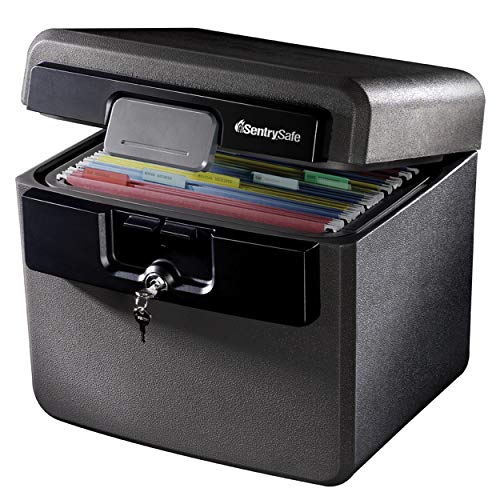
SentrySafe Black Fireproof and Waterproof Safe, File Folder and Document Box with Key Lock, Ex. 14.3 x 15.5 x 13.5 inches, HD4100
FIREPROOF: Safe is UL Classified to endure 1/2 hour at 1550°F and keep interior temperatures safe for irreplaceable…
As an affiliate, we earn on qualifying purchases.
As an affiliate, we earn on qualifying purchases.
Conclusion
If you neglect proper document storage, you risk watching your estate files fade away like a fragile photograph in the rain. Don’t let this mistake be the silent thief of your peace of mind. By choosing the right storage methods today, you’re planting the seeds for a secure future. Protect your legacy like a treasured heirloom—because a well-kept record is the foundation that withstands the test of time.

WD 2TB My Passport, Portable External Hard Drive, Black, backup software with defense against ransomware, and password protection, USB 3.1/USB 3.0 compatible – WDBYVG0020BBK-WESN
Slim durable design to help take your important files with you
As an affiliate, we earn on qualifying purchases.
As an affiliate, we earn on qualifying purchases.

DocSafe Accordion File Organizer Bag with Lock, Fireproof Water Resistant Expanding File Folder with Multi Colorful Pockets,Document Organizer Safe Storage for Important Documents and More, Black
UL-94 VTM-0 Certified Accordion File Organizer – Keep your valuables safe with our DocSafe fireproof file organizer. The…
As an affiliate, we earn on qualifying purchases.
As an affiliate, we earn on qualifying purchases.